
HOW IT WORKS
Define once. Bring it with you.
Your vibes are your personality, taste, voice, values, purpose, and aesthetic. Choose what you want your AI to understand, then build the center of your vibegraph with Claudia, the in-app AI coach.
Who you are.
Choose Personal Use, Personal Brand, or Business Brand. Your free Core Identity includes the Big Five through the IPIP-NEO-120, the Enneagram, an integrated reading, and your Ikigai. Bring assessment results you already have, or take the built-in assessments. Personality assessments are optional on the business path. The account and its businesses still belong to a real person.
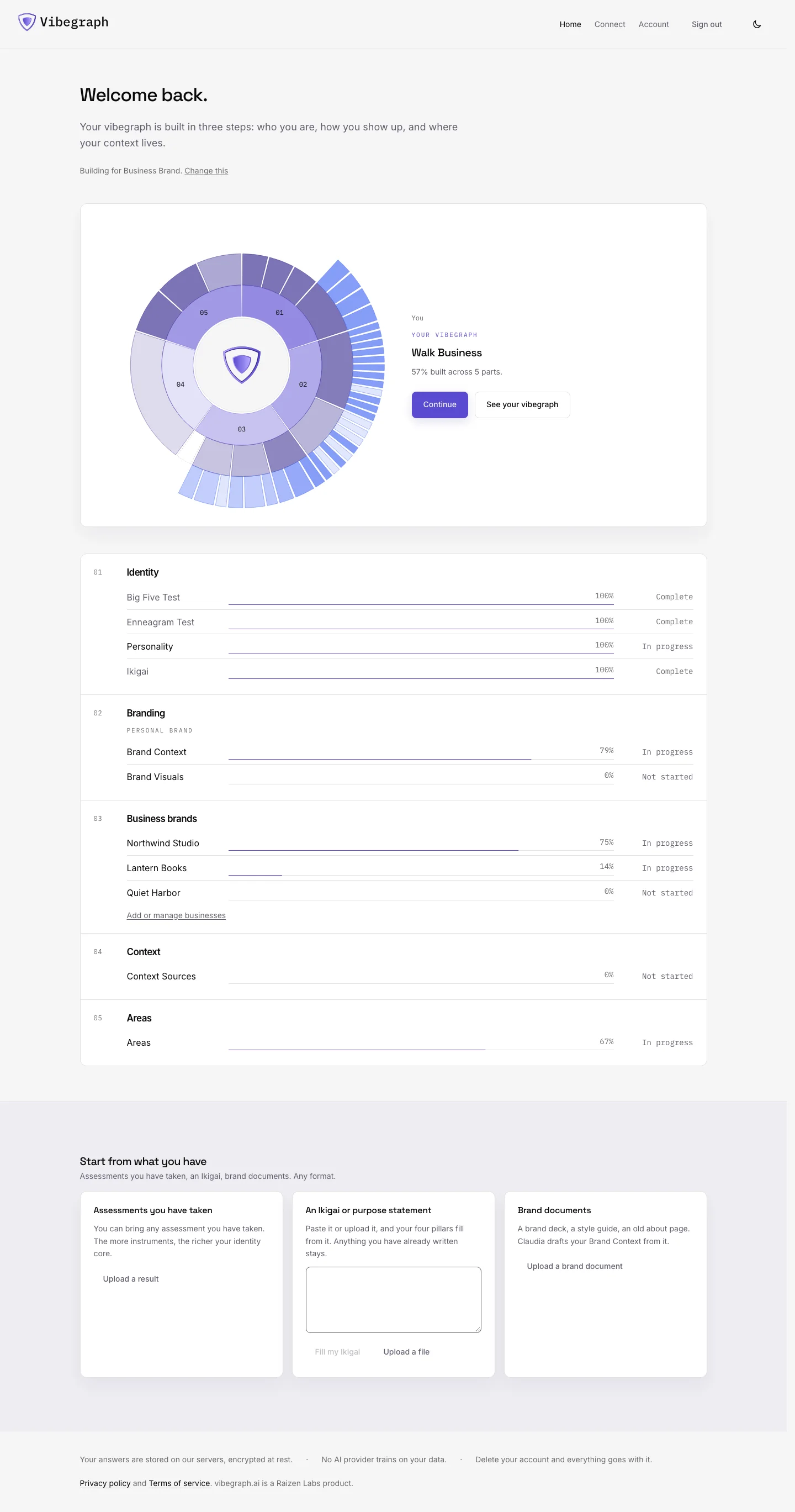
Dashboard 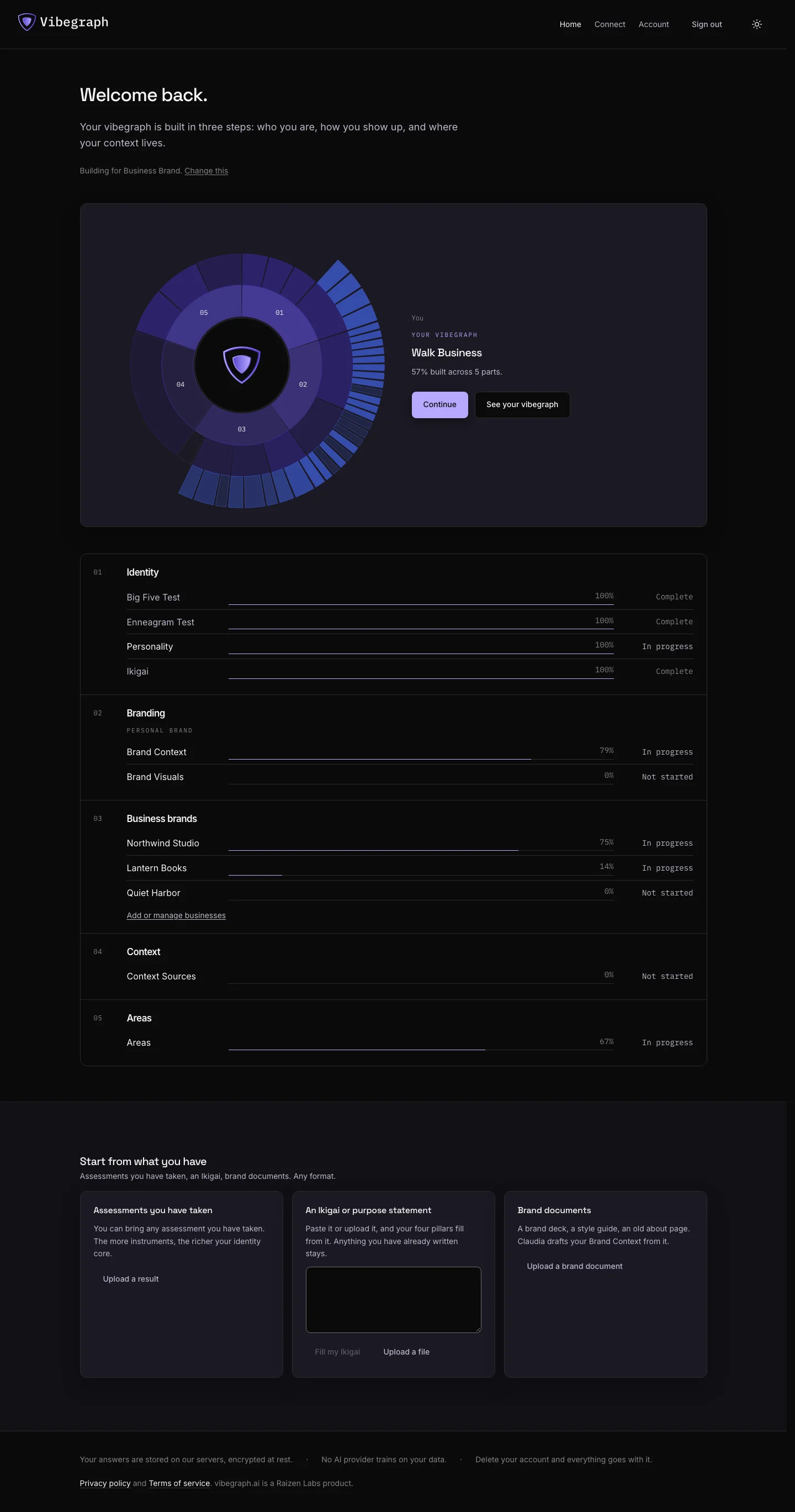
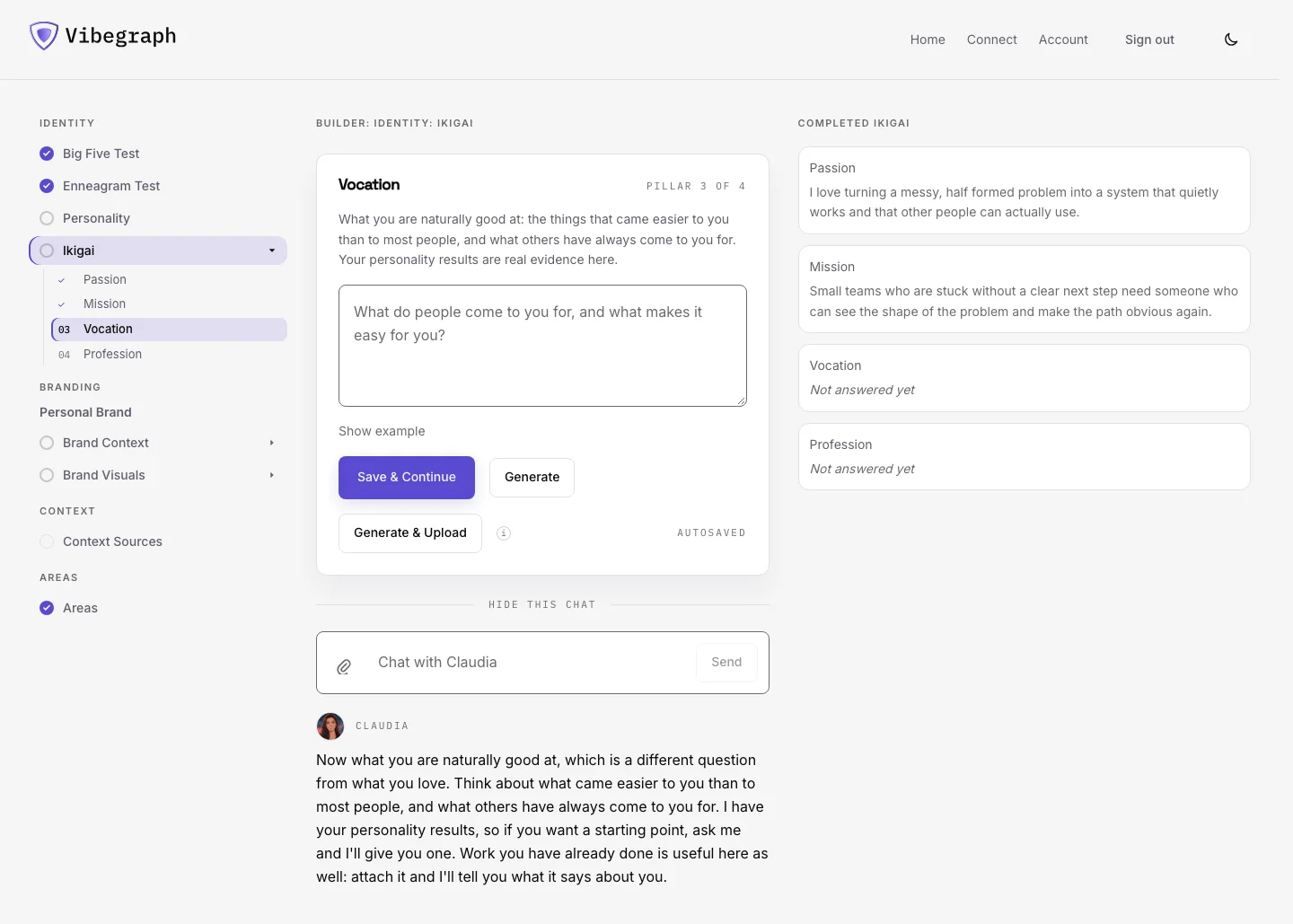
Your Ikigai.
Work through what you love, what the world needs from you, what you are naturally good at, and what you can be paid for. Claudia helps you consider their intersections and write your statement. You can also bring an Ikigai you have already written. This is part of the free Core Identity.
Ikigai 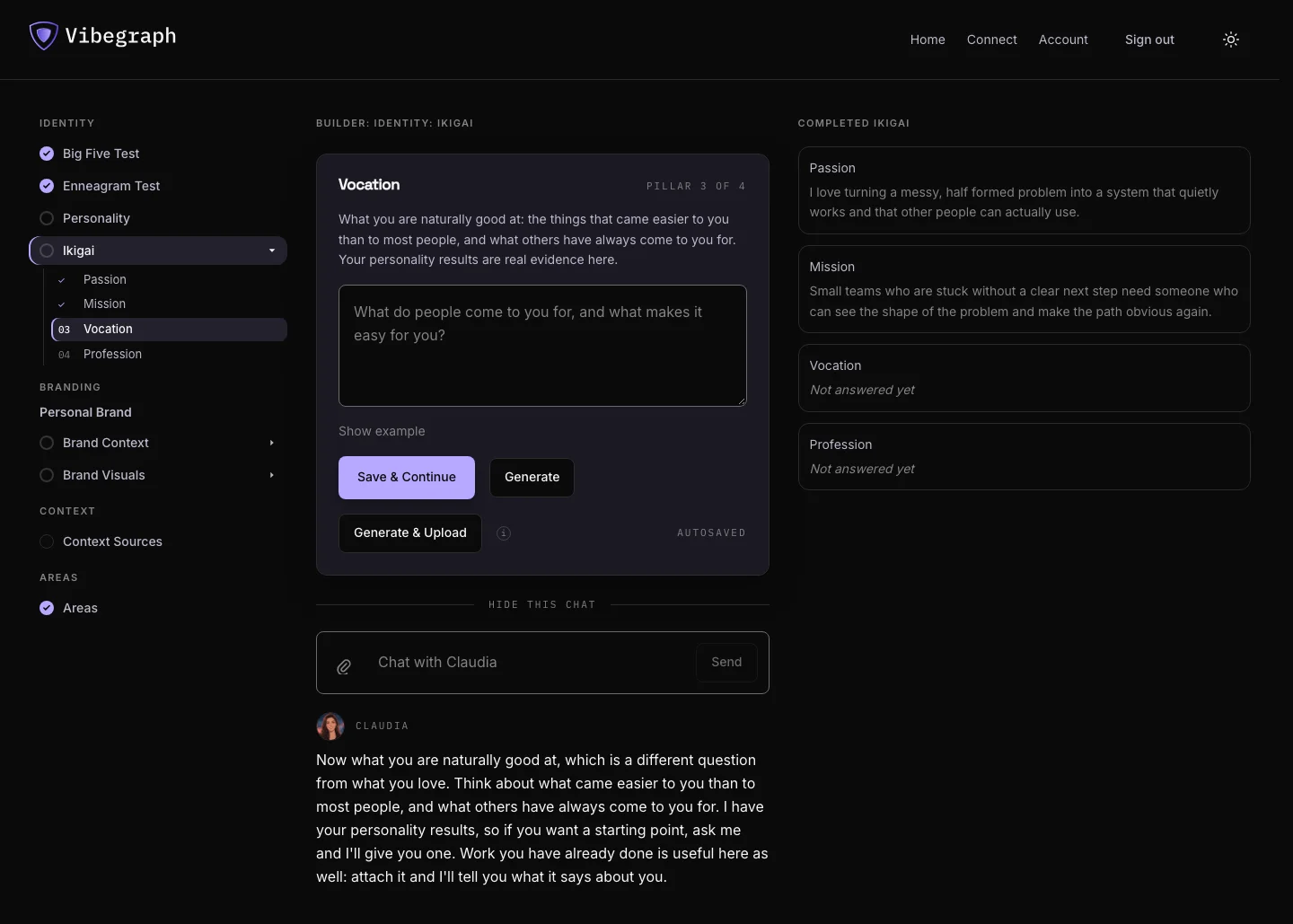
Your personal context or brand.
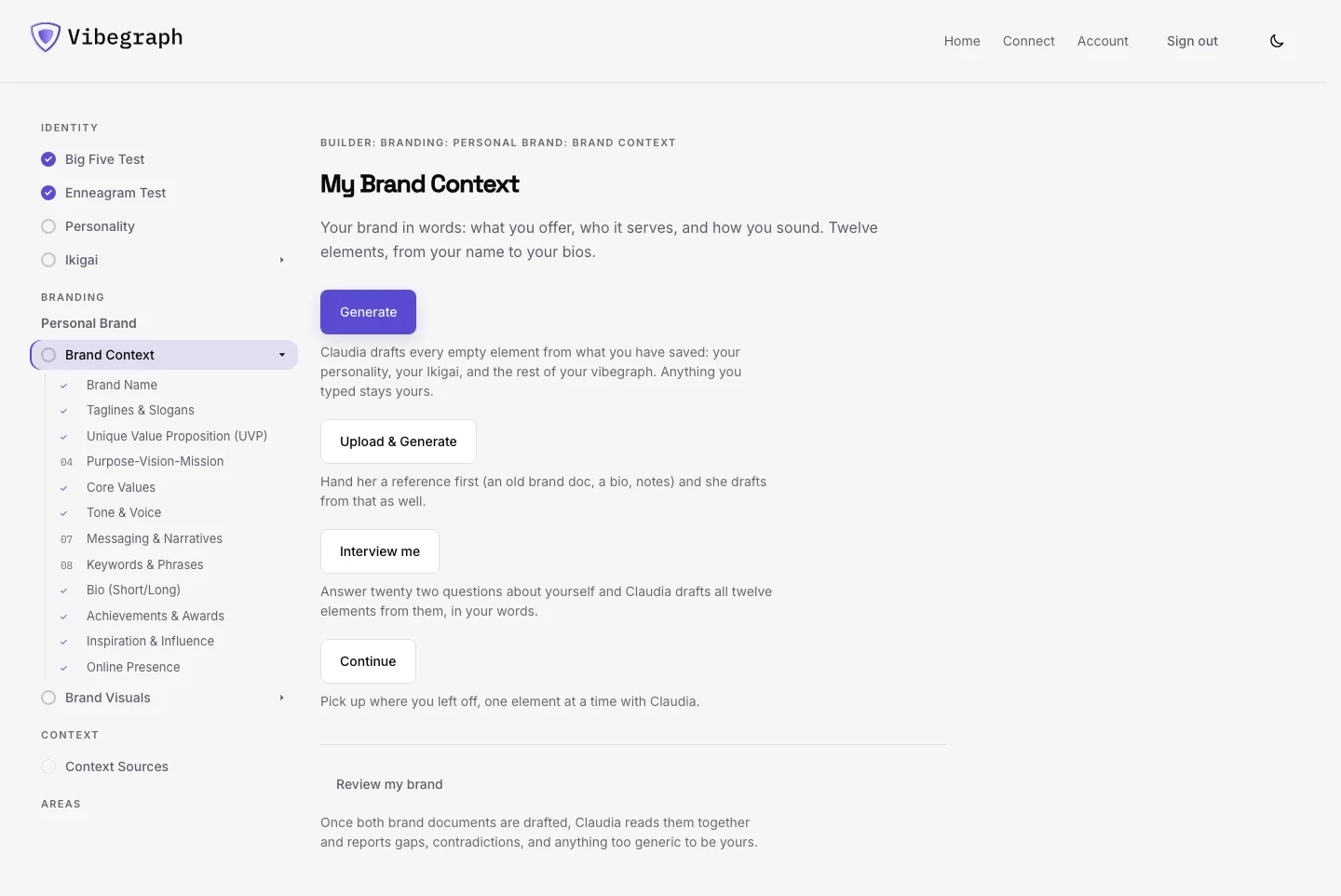
Personal Use covers seven elements: Brand Name, Core Values, Tone & Voice, Bio (Short/Long), Achievements & Awards, Inspiration & Influence, and Online Presence. Personal Brand adds the remaining five elements in words and eight in visuals. Claudia helps with the words. For visuals, take the brief and prompts into your own design tool, then record what you made and where it lives.
Brand Context 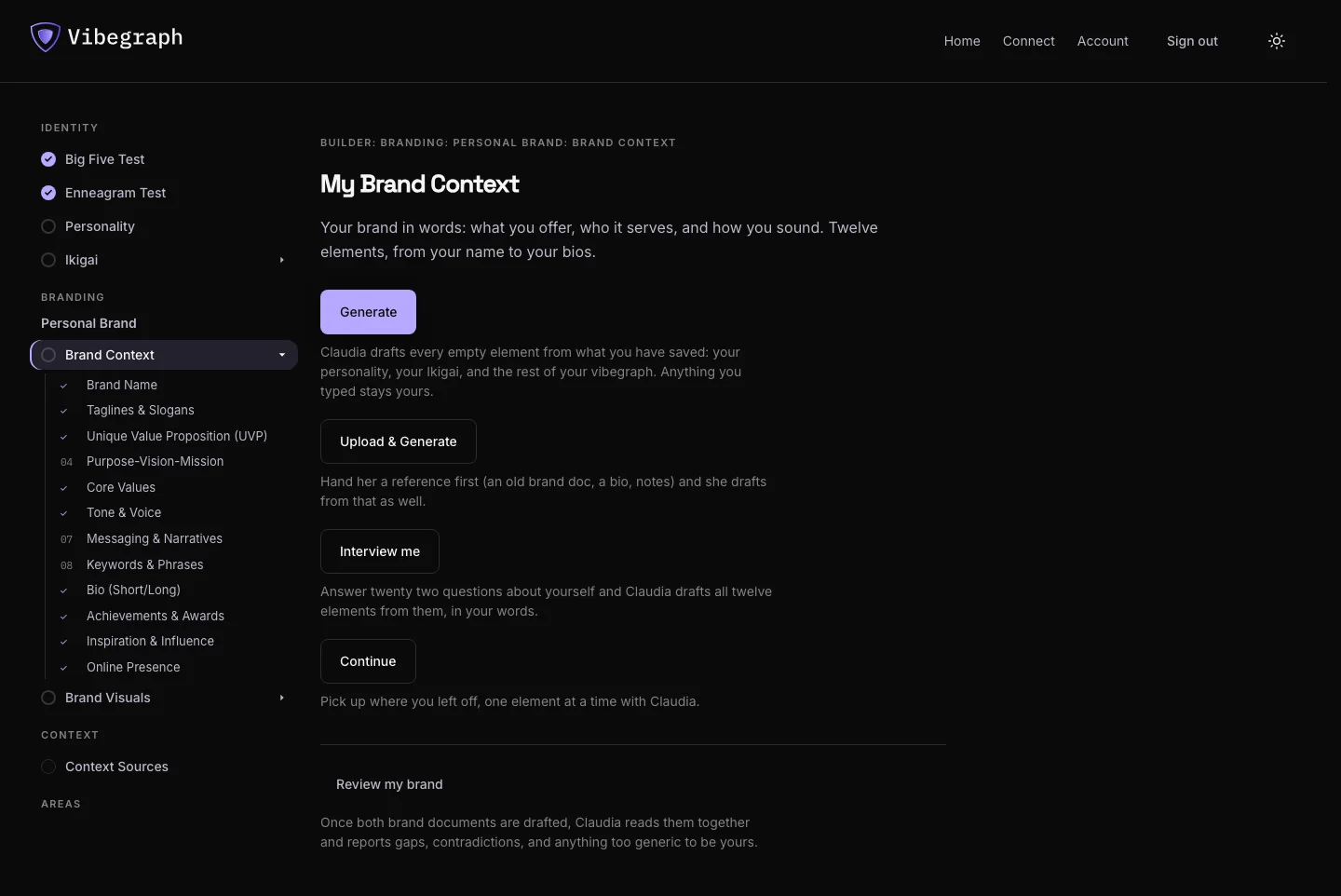
Your business brands.
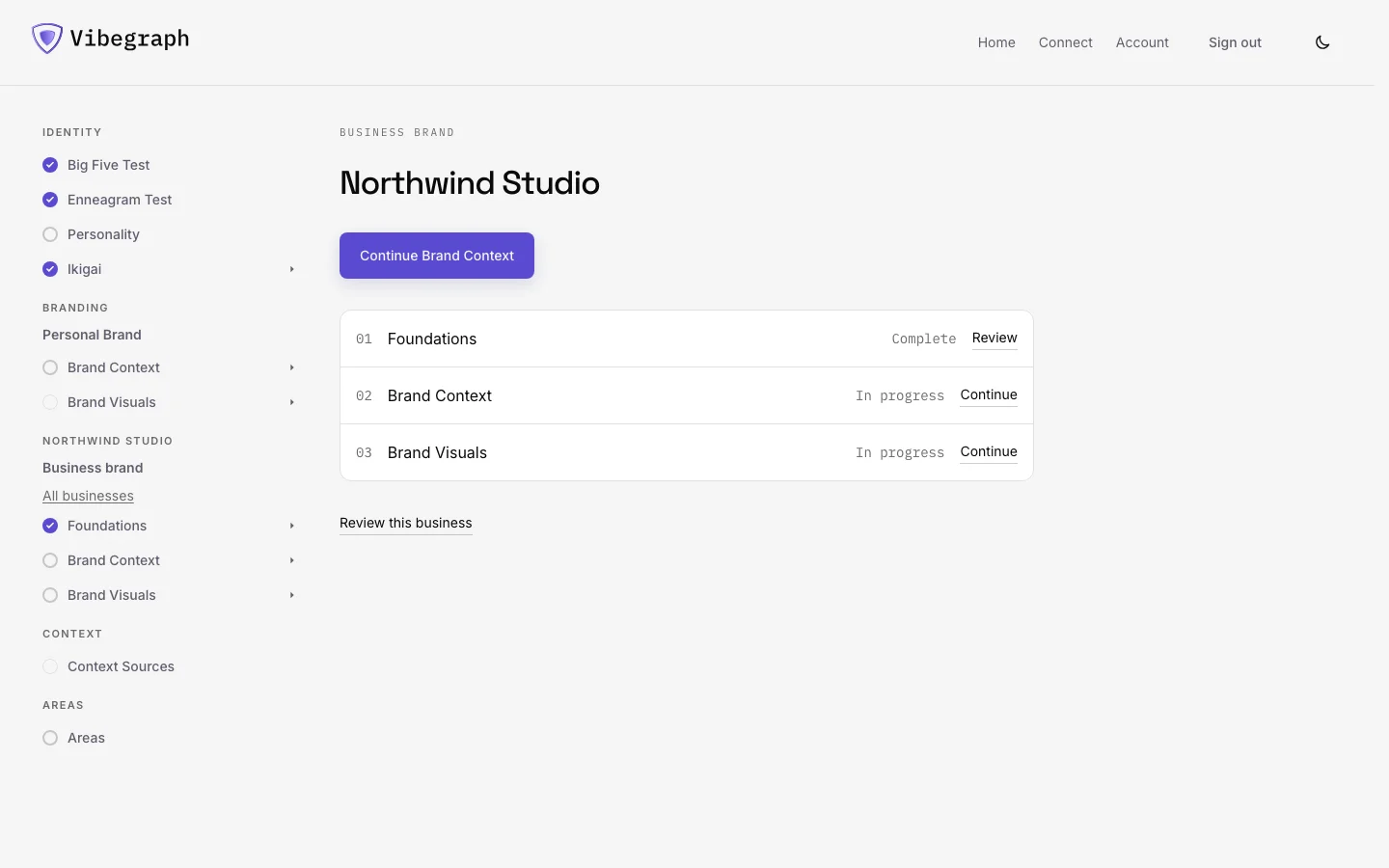
Build a brand for each business you own or operate. Each has foundations, including Aaker's dimensions, an archetype, and the Golden Circle, followed by twelve elements in words and eight in visuals. A business stays nested under you and is read for tasks that belong to it. Personal + 1 Business includes the first; buy additional businesses as you need them.
Business brand 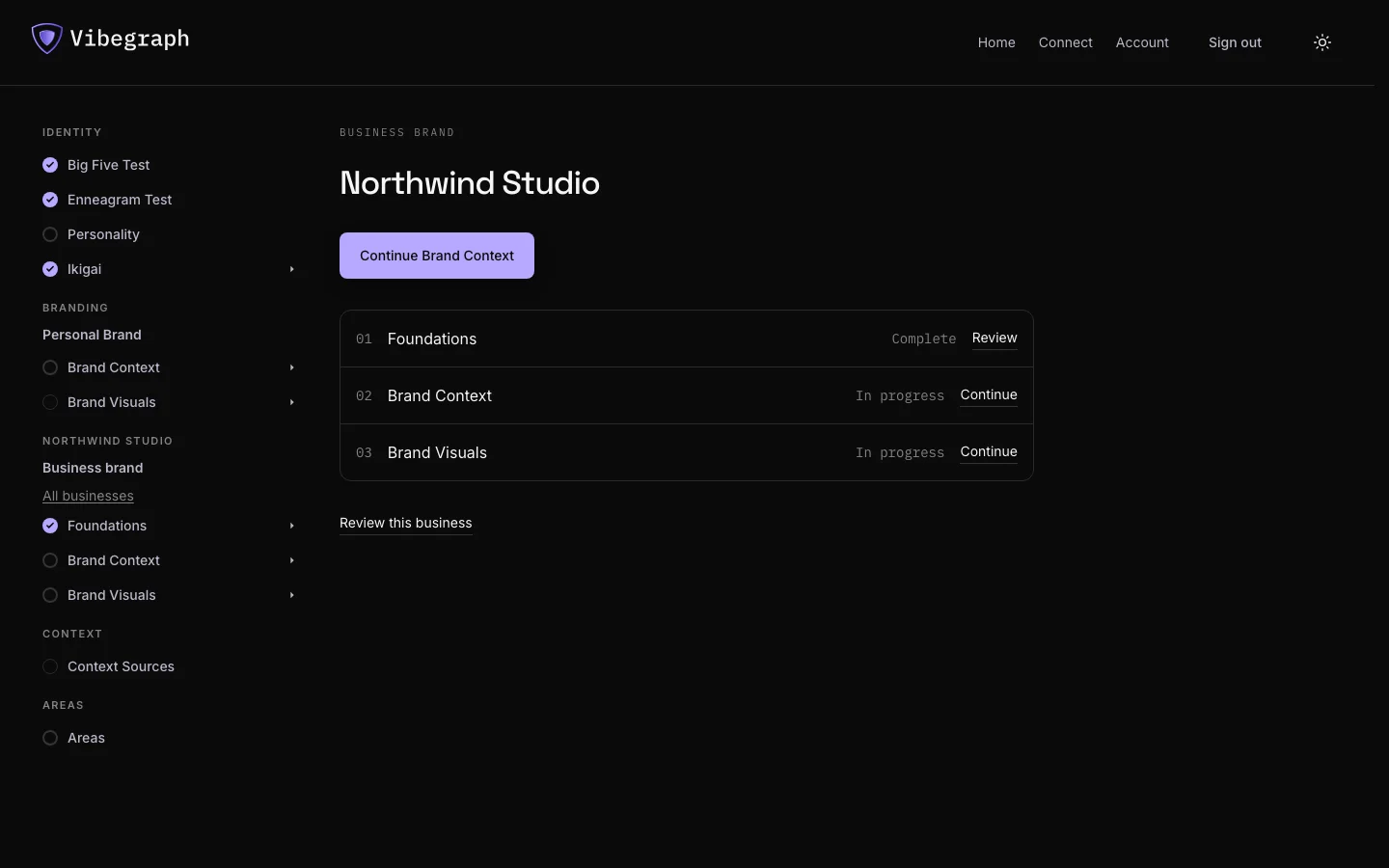
Your areas and Context Sources.
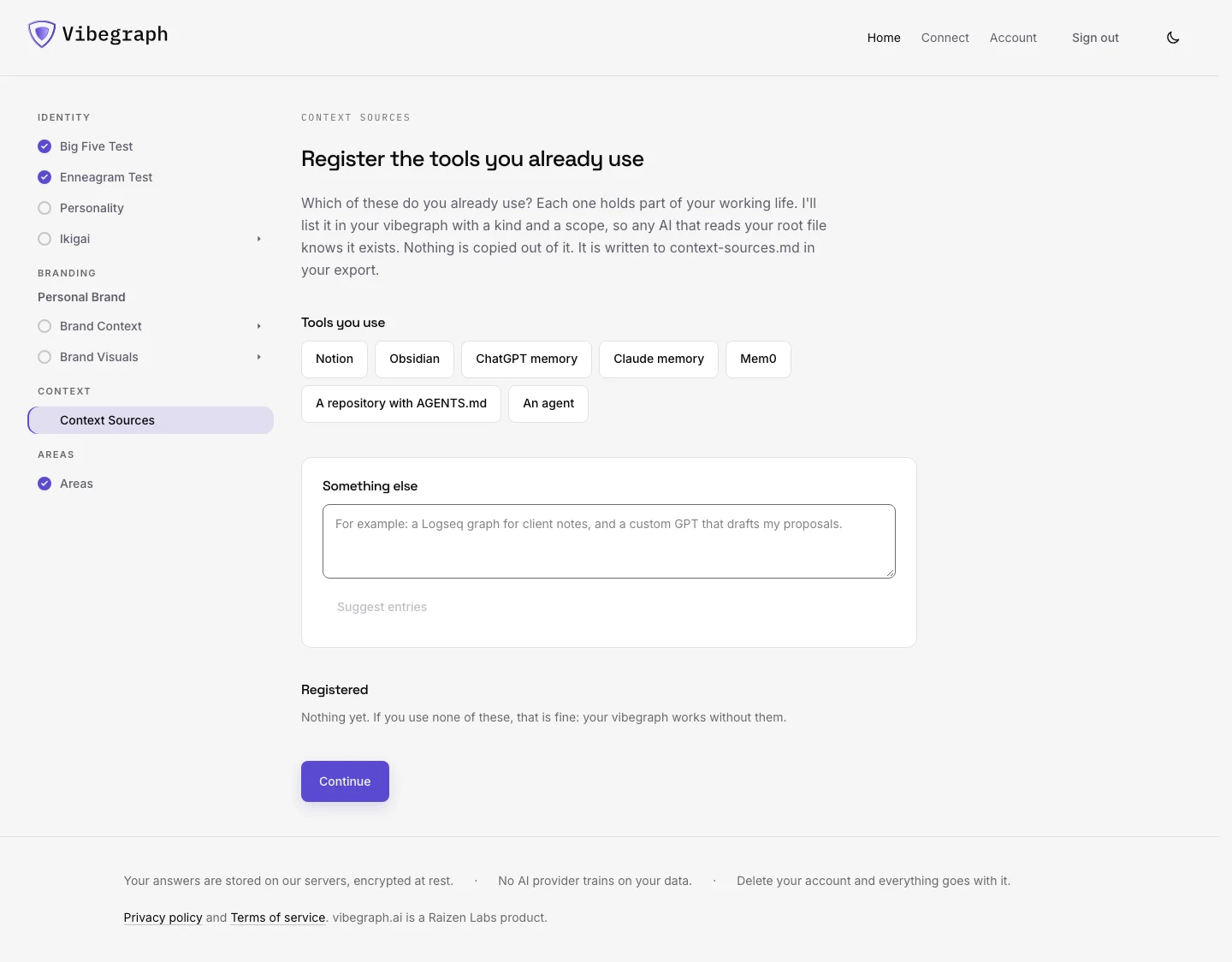
Areas are the parts of life or work you choose, such as Career, Health, or Marketing. Context Sources are the systems that hold the details, such as a notes vault, memory service, or project. Add entries to an area to point to the relevant material and say how a tool can reach it. Areas are free; the Context Sources step is included from Personal Use. Only chosen areas appear in your export. Registering a source does not import its contents.
Context Sources 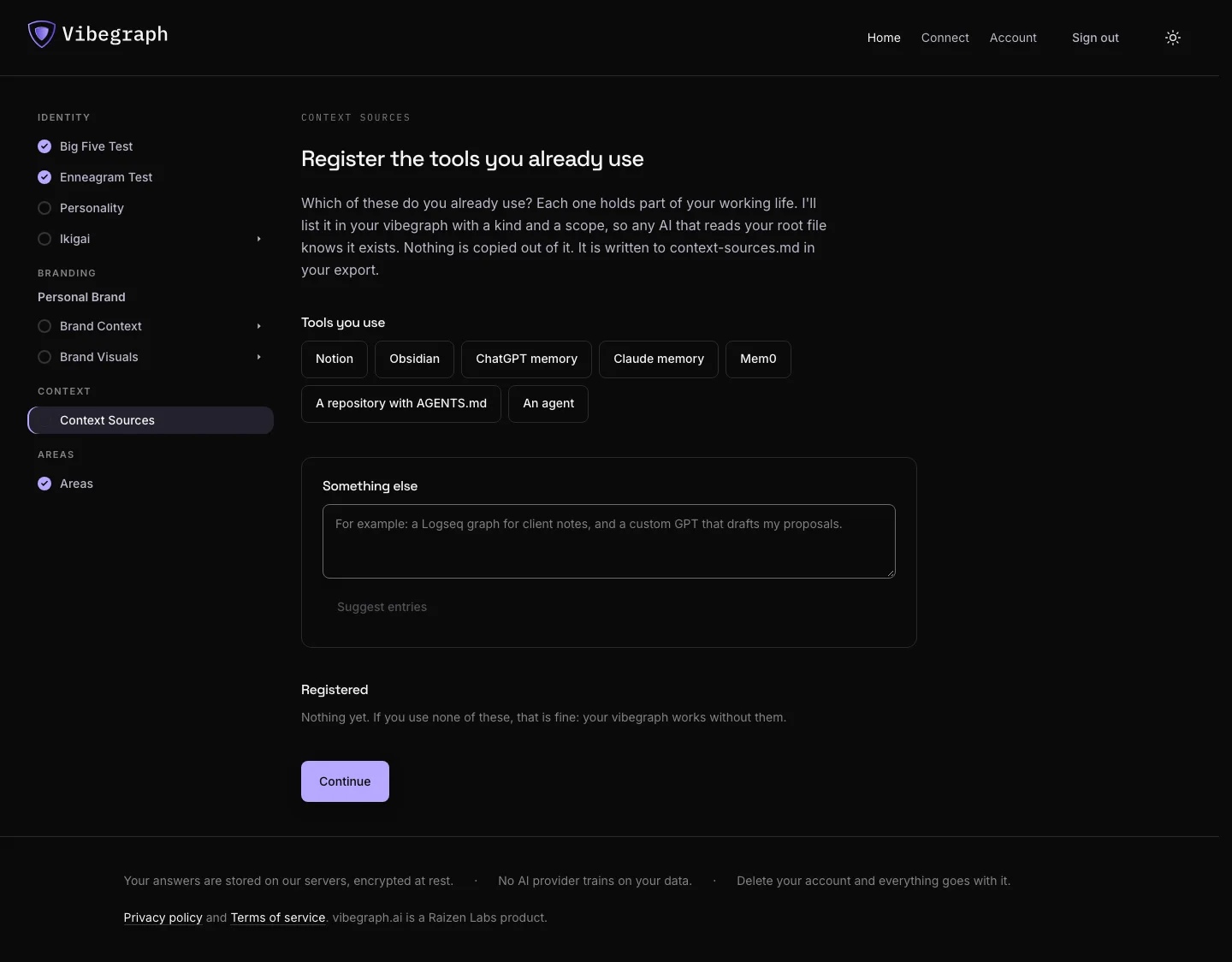
Export.
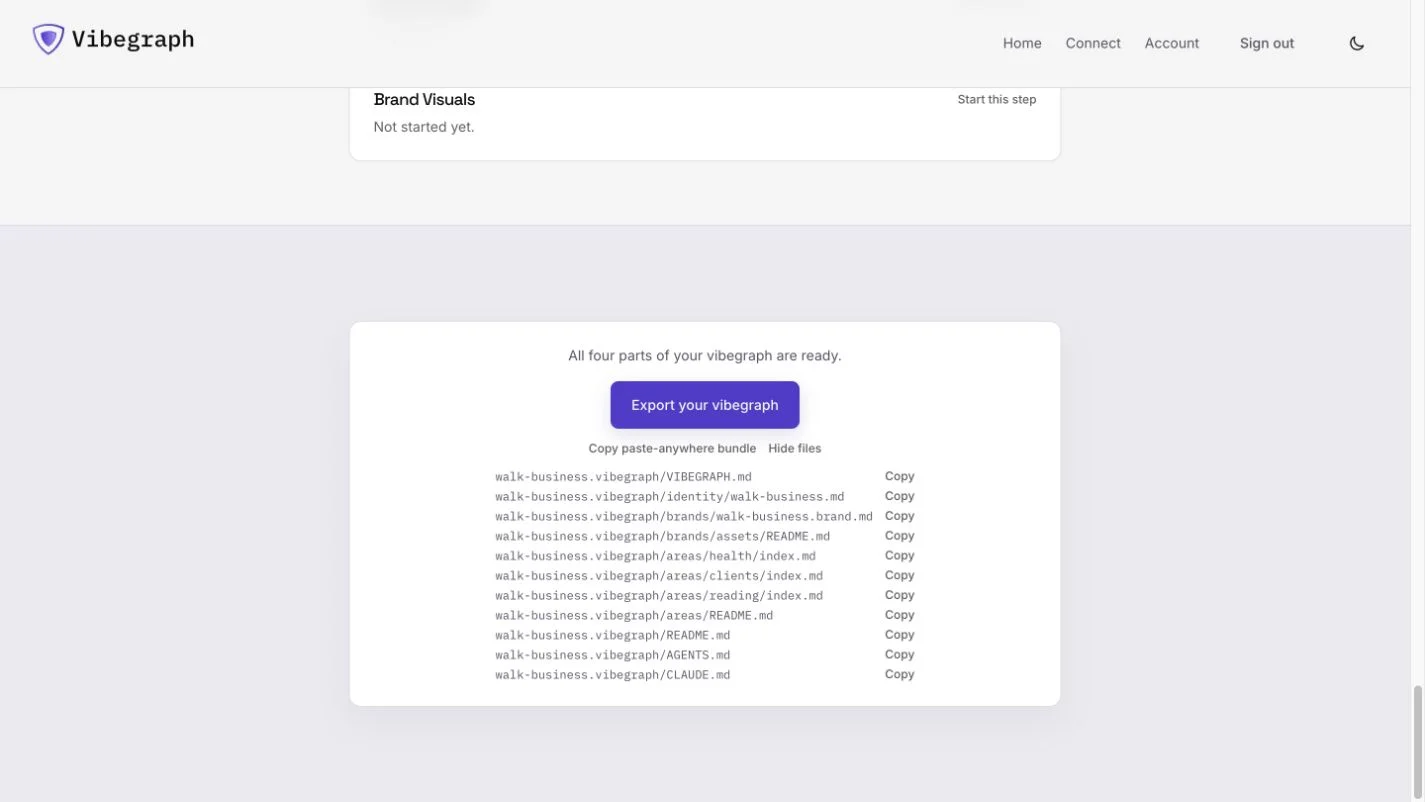
Personal Use and higher tiers can export the center of a vibegraph in the 3.0 reference layout. It includes VIBEGRAPH.md, your identity, the completed brand files, context-sources.md, and your chosen areas. AGENTS.md and CLAUDE.md point agents to the root file with the "Who you emulate" stanza. Use the paste bundle in a chat, or put the folder where your tools can read it. Files referenced by area entries remain yours to supply.
Export 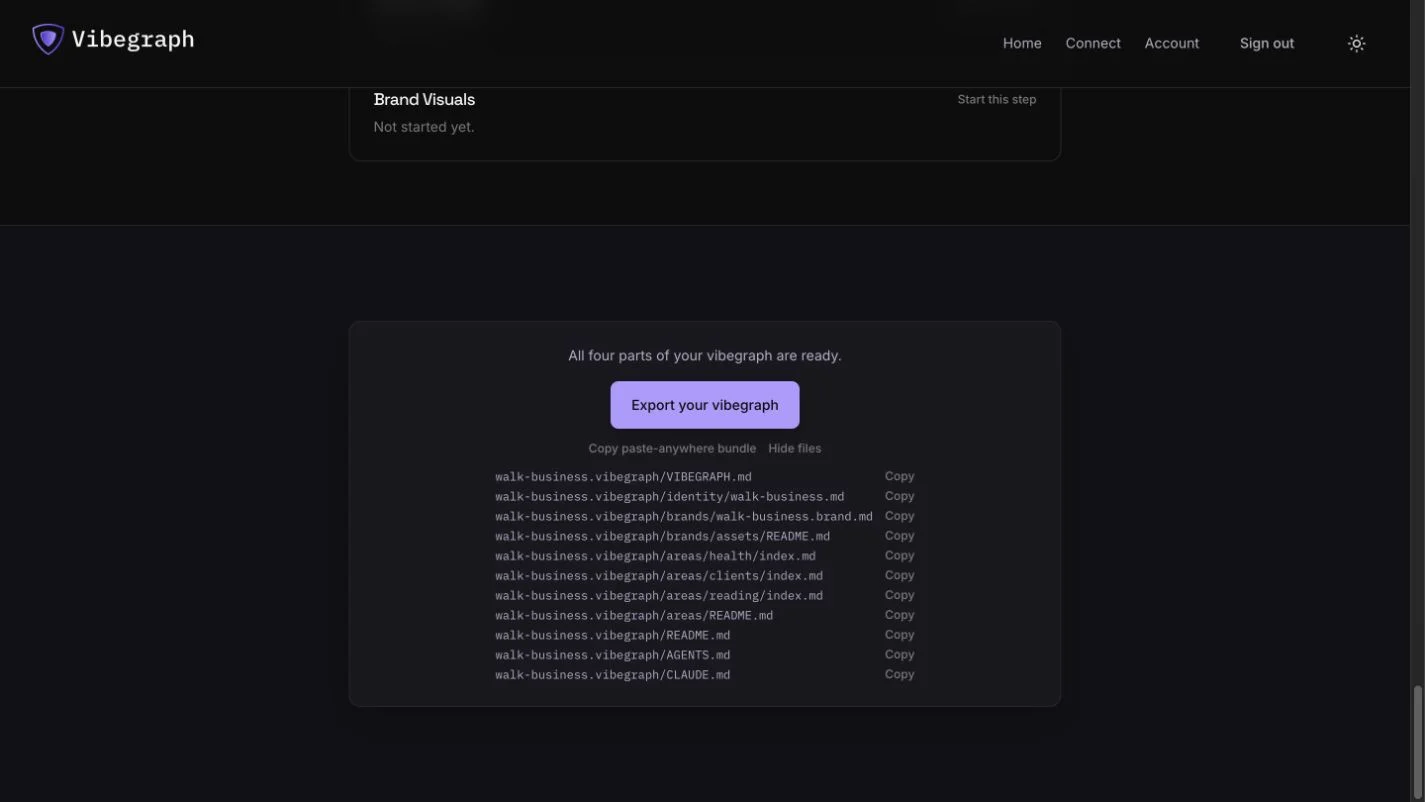
Choose where it lives.
There are three ways to use the framework and builder.
Make it locally.
Download the open framework and write the files yourself. Keep them on hardware you control and use tools that can read them. You do not need a builder account or a Connect subscription.
Build here. Take the files with you.
Use the builder, then export with Personal Use or a higher tier. Keep the folder locally, on your own server, or in a synced vault such as Obsidian. You manage access and any hosting or sync service. The builder does not set those services up for you, and exporting does not delete the hosted copy.
Keep the center here. Connect your tools.
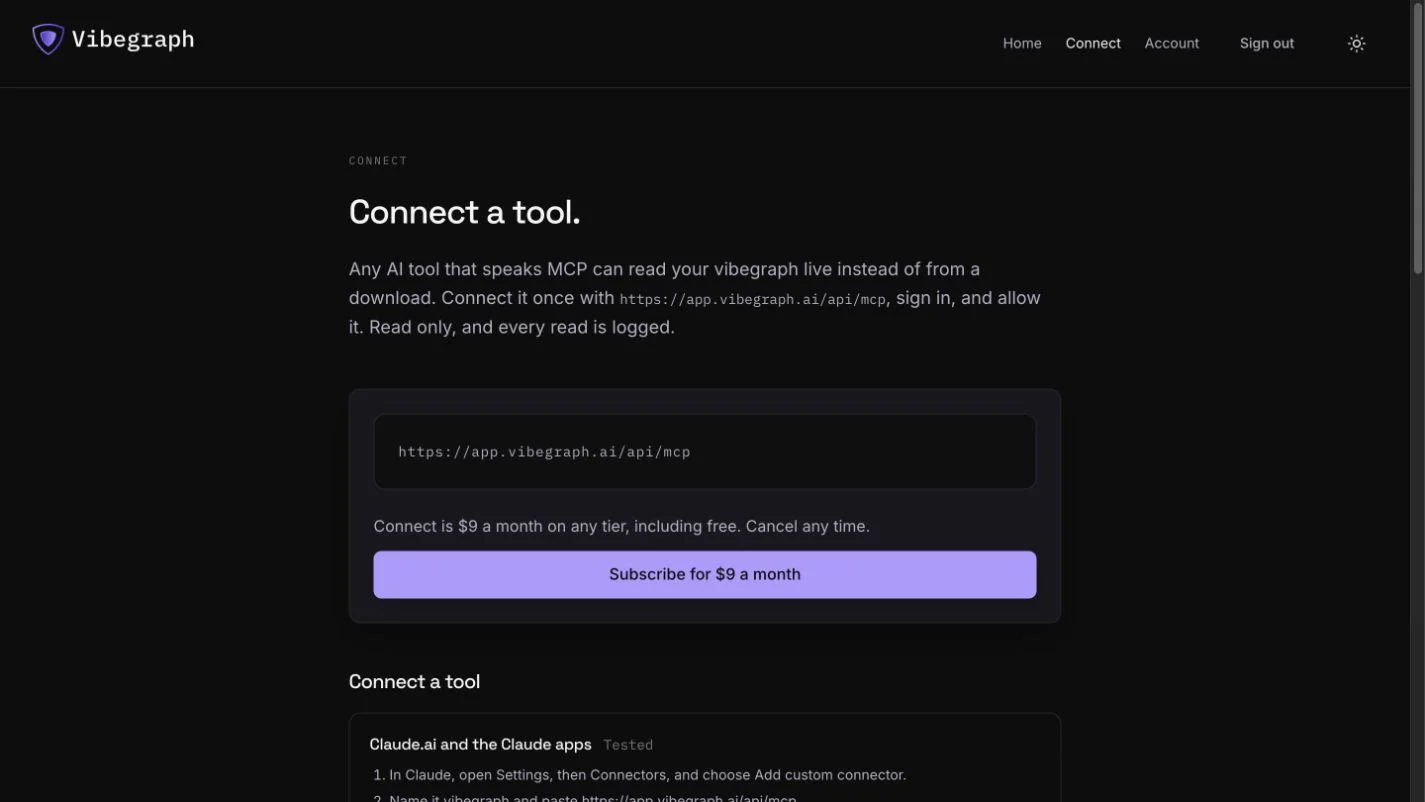
Maintain the center in vibegraph.ai and add Connect for $9 a month on any tier. Supported tools read the hosted center and map, with grants for each tool and a log of every served read. The material your areas point to can stay elsewhere. A pointer is useful only to a tool that can reach that location.
Connect